What is Wireless OBM?
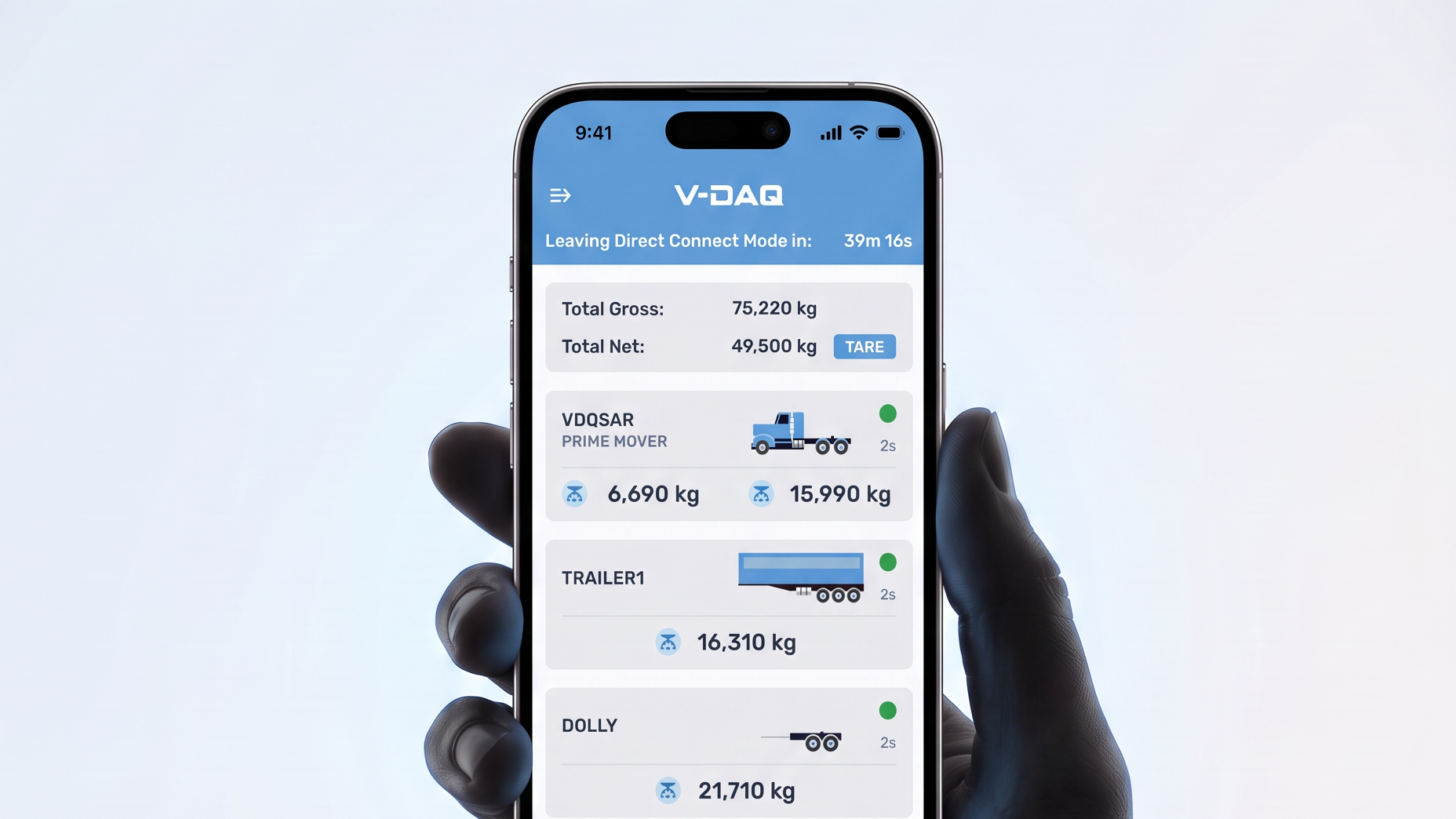
Wireless OBM is V-DAQ’s app specifically designed for use with compatible Right Weigh gauges.
It lets drivers view weight information on their mobile device. As part of the wider V-DAQ telematics solution, that information also supports fleet visibility and digital mass records.
For fleets using Right Weigh, or considering it, Wireless OBM connects information at the vehicle with everyday loading and fleet decisions.
How do Right Weigh and Wireless OBM work together?
Each part of the system has a distinct role:
Together, these components make mass information available to the people loading vehicles, managing operations and reviewing records.
What does Wireless OBM add to your Right Weigh gauges?
Wireless OBM makes gauge information more accessible and useful throughout the working day.
Weight information during loading. Drivers can view readings on a mobile device to help assess loads and make adjustments.
Better use of available capacity. Knowing vehicle mass helps operators identify opportunities to improve payload utilisation within applicable limits.
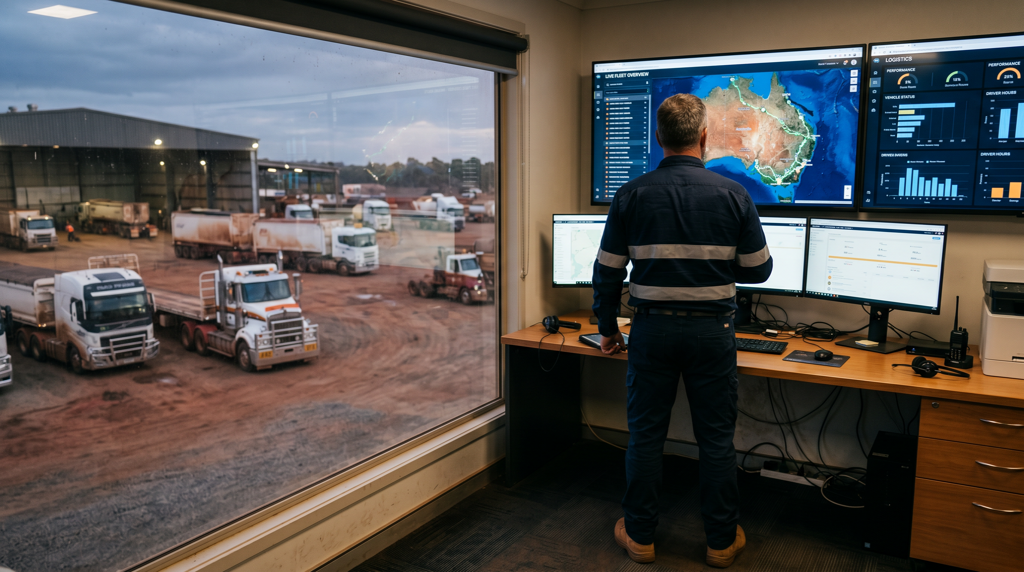
Visibility beyond the vehicle. The connected V-DAQ solution brings mass information into the office, giving fleet teams visibility across vehicles and trailers.
Records that support ongoing improvement. Automatically captured mass data helps fleet teams review loading patterns, maintain records and identify opportunities to improve operations.
The value extends beyond seeing an individual weight reading: it gives drivers and fleet managers information they can use in their daily work. Explore Wireless OBM
What does your fleet need to get started?
Start by discussing your vehicles, existing Right Weigh equipment and intended use with V-DAQ. This helps establish compatibility and the work required before installation begins.
The Wireless OBM setup process covers:
- Installing and calibrating the Right Weigh gauges.
- Installing the V-DAQ TAG.
- Completing installation verification.
- Setting up the app and selecting the vehicle combination.
- Completing data verification.
- Completing scheme enrolment, if applicable.
The operator arranges installation and provides the required details and evidence. V-DAQ reviews the submitted information, verifies the data and completes applicable scheme enrolment.
Why do installation and calibration matter?
Reliable mass information starts with correctly installed and calibrated Right Weigh gauges. Power, equipment placement and connectivity also contribute to the performance of the connected system.
Installation verification checks the setup before customers progress through the remaining stages.
The checklist explains the required evidence, including installation photographs, equipment details and calibration acknowledgement.
Frequently Asked Questions
Wireless OBM makes weight information accessible to drivers through the app. Connected with V-DAQ telematics, it also gives fleet teams visibility of mass information and digital records to support loading decisions and operational reviews.
Compatibility needs to be checked. Discuss your gauge models and vehicle configuration with V-DAQ to understand any equipment or setup requirements.
Yes. Wireless OBM can support Smart OBM when the equipment is compatible, correctly installed and calibrated, and the required verification and enrolment steps are complete. Installing the app alone does not establish compliance.
If you need Smart OBM for your operation, speak with V-DAQ about your vehicles and applicable scheme requirements. We’ll guide you through the setup, data verification and enrolment process.
V-DAQ provides setup guidance and practical resources to help drivers use the app and fleet managers understand the available information. Your installers can also access the equipment requirements to support a successful setup.
Is Wireless OBM right for your operation?
If your fleet uses Right Weigh gauges, or you’re considering installing them, speak with V-DAQ about the loading and reporting tasks you want to improve.
With details of your vehicles and existing equipment, V-DAQ can help you understand compatibility, setup requirements and the next steps for your fleet.
.jpg)